



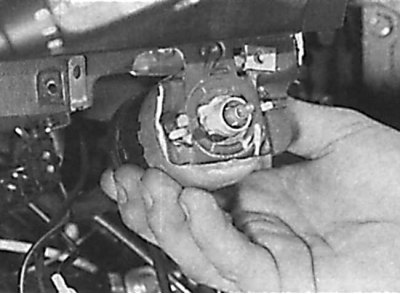
Removal the light switch by turning it counterclockwise
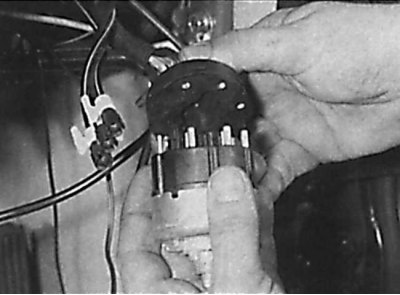
Removal the light switch from the electrical connector
1. Remove the knob from the light switch and unscrew the large nut located under the knob (see fig. Unscrewing the nut located under the light switch handle).
2. Carefully remove the light switch trim panel and disconnect the vacuum hoses and electrical connectors. The vacuum hoses should be colored differently for identification. If not, mark the vacuum hoses. Remove the headlight beam adjuster from the light switch trim panel (see fig. Removing the headlight beam corrector from the decorative panel of the light switch).
3. Lift up the floor mat, then unscrew the mounting screws and remove the covering located around the pedals.
4. Remove the hood release lever mounting screw and lever from the driver's side instrument panel lower trim and disconnect the hood release cable from the lever. Remove the screws securing the parking brake lever to the instrument panel.
5. Carefully remove the ignition switch trim panel.
6. Remove the screws and driver's side lower instrument panel trim. Disconnect the cable from the rear of the parking brake release lever and remove the trim panel and lever.
7. Turn the light switch counterclockwise, remove it from the bracket and disconnect the electrical connector from it (see fig. Removing the light switch by turning it counterclockwise, Removing the light switch from the electrical connector).
8. Installation is carried out in the reverse order of removal.
[Publication reprinted from this resource: MercedesMan.ru]