



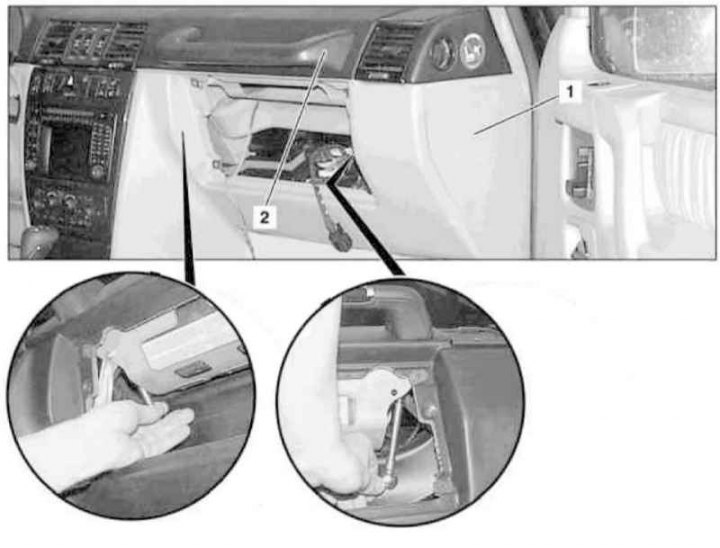
Instrument cluster handle installation details (1 of 2)
1 - Instrument panel end cover
2 - Handle
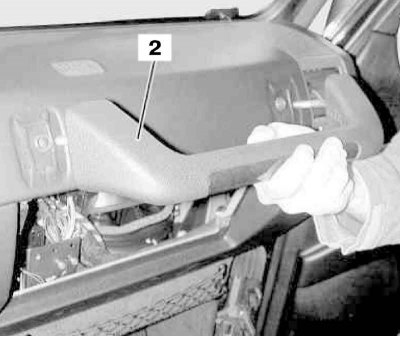
Handle (2) Installation Details on Instrument Panel (2 of 2)
1. Remove the glove box (see Section Removal and installation the glove box).
2. To make the procedure easier, remove the end cover (1) on the right side of the instrument panel.
3. Through the holes on the inside of the instrument panel in the niche for installing the glove compartment tray, loosen both fastening nuts and remove the handle (2).
4. Installation is carried out in reverse order.